
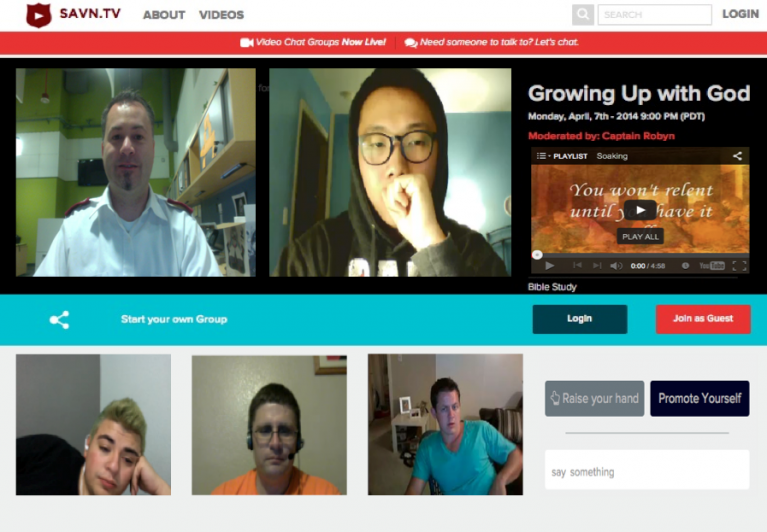
1. You need to have a web camera and headset with your volume level up.
2. Make sure you have a strong internet connection.
3. Safari and Mozilla Firefox browsers work the best. (Internet Explorer does not work and Google Chrome does not always give the best results.)
4. Log in as a Guest or register at savn.tv/login
5. Click yes when prompted to allow website access to your web camera and mic.
For more information contact Captain Robyn Bridgeo Robyn.Bridgeo@usw.salvationarmy.org or SAVNtvChaplain@gmail.com
Shot power, hardest hitters and their strike velocities
Hey there! I could have sworn I’ve been to this site before but after checking through some of the post I realized it’s new to me. Nonetheless, I’m definitely delighted I found it and I’ll be book-marking and checking back often!